API keys & billing
Your agent already has its own API key and credit balance. To create extra keys, redeem a coupon, or set up auto top-up, sign in to the console with your account email.
1. Open the console
In your dashboard, go to Settings → API access → Open console.
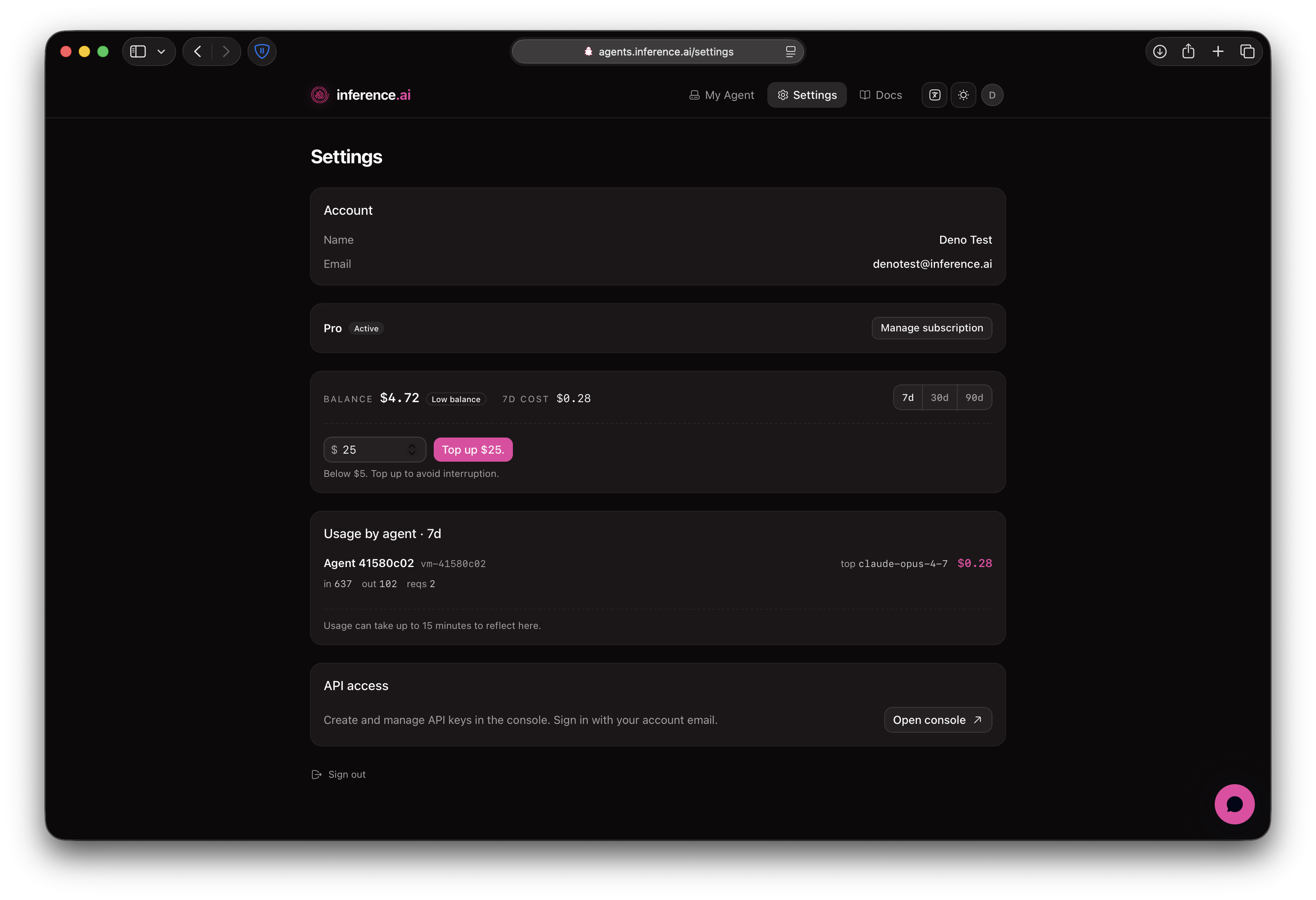
2. Sign in with your account email
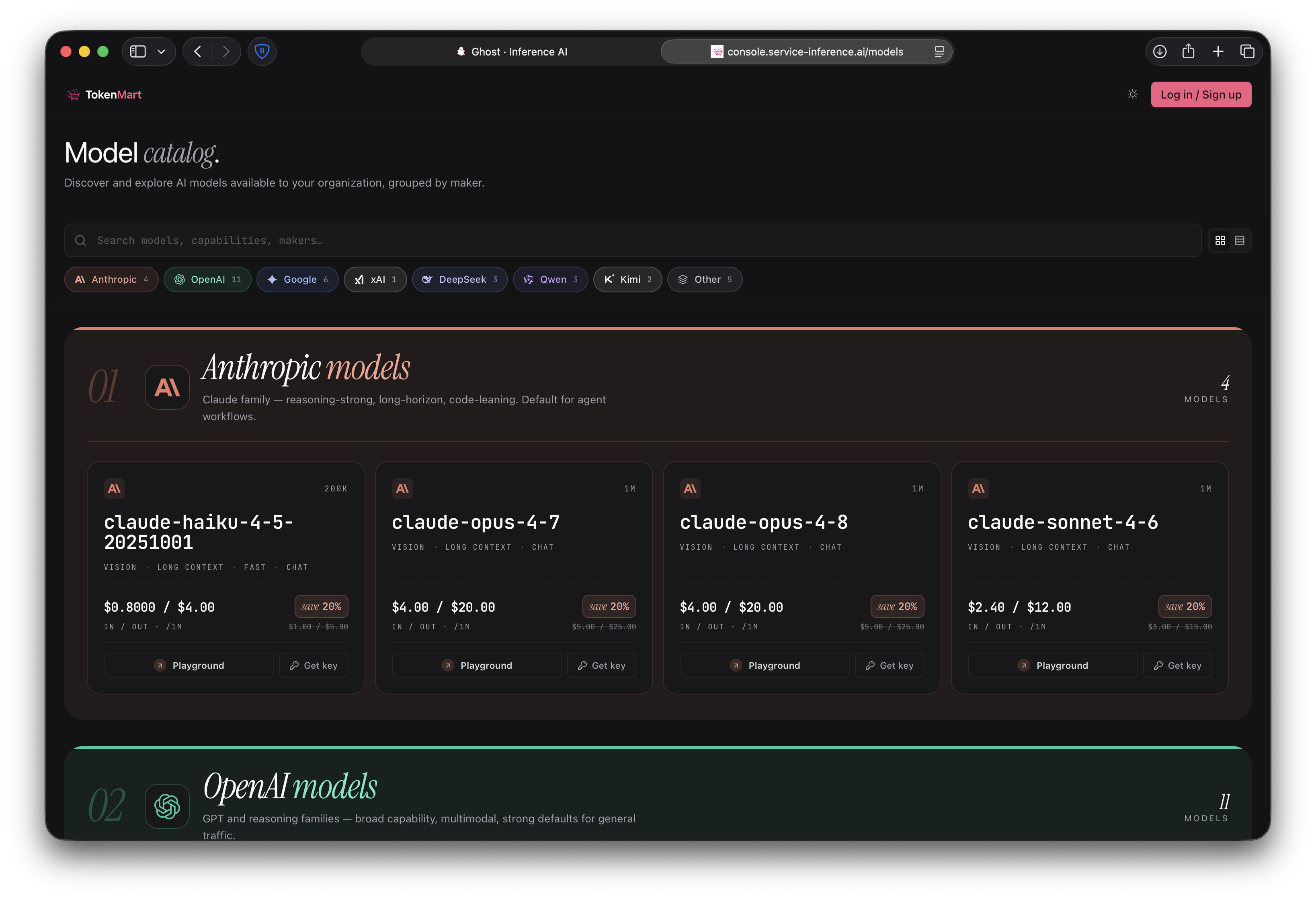
The console opens. Click Log in / Sign up.
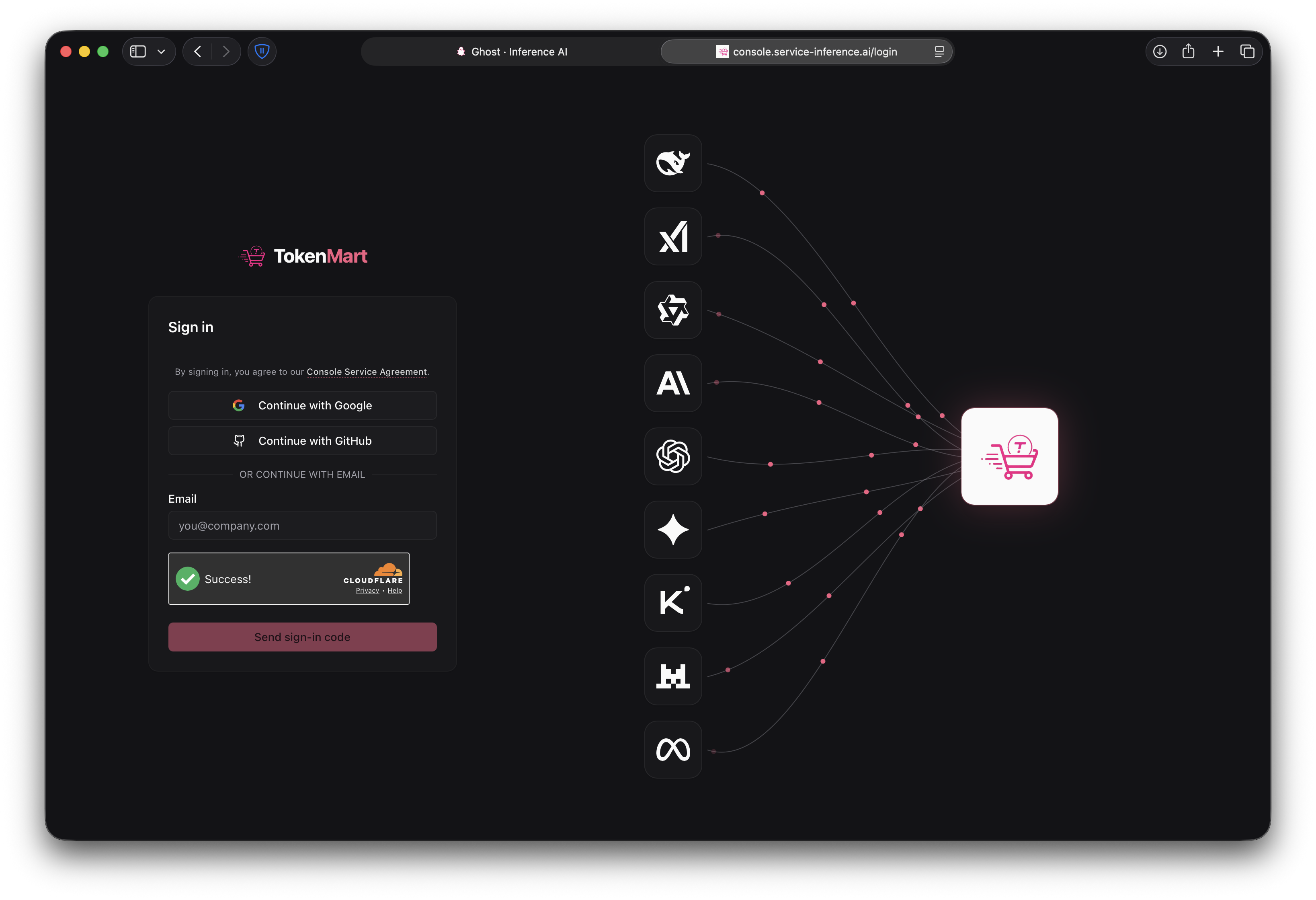
Enter the same email you use for Inference AI and submit the 6-digit code it emails you — no separate password (Google and GitHub work too). The same email lands you in your existing organization, sharing one balance, keys, and usage.
3. You're in
The sidebar shows Models, API Keys, and Billing, with your live balance top-right.
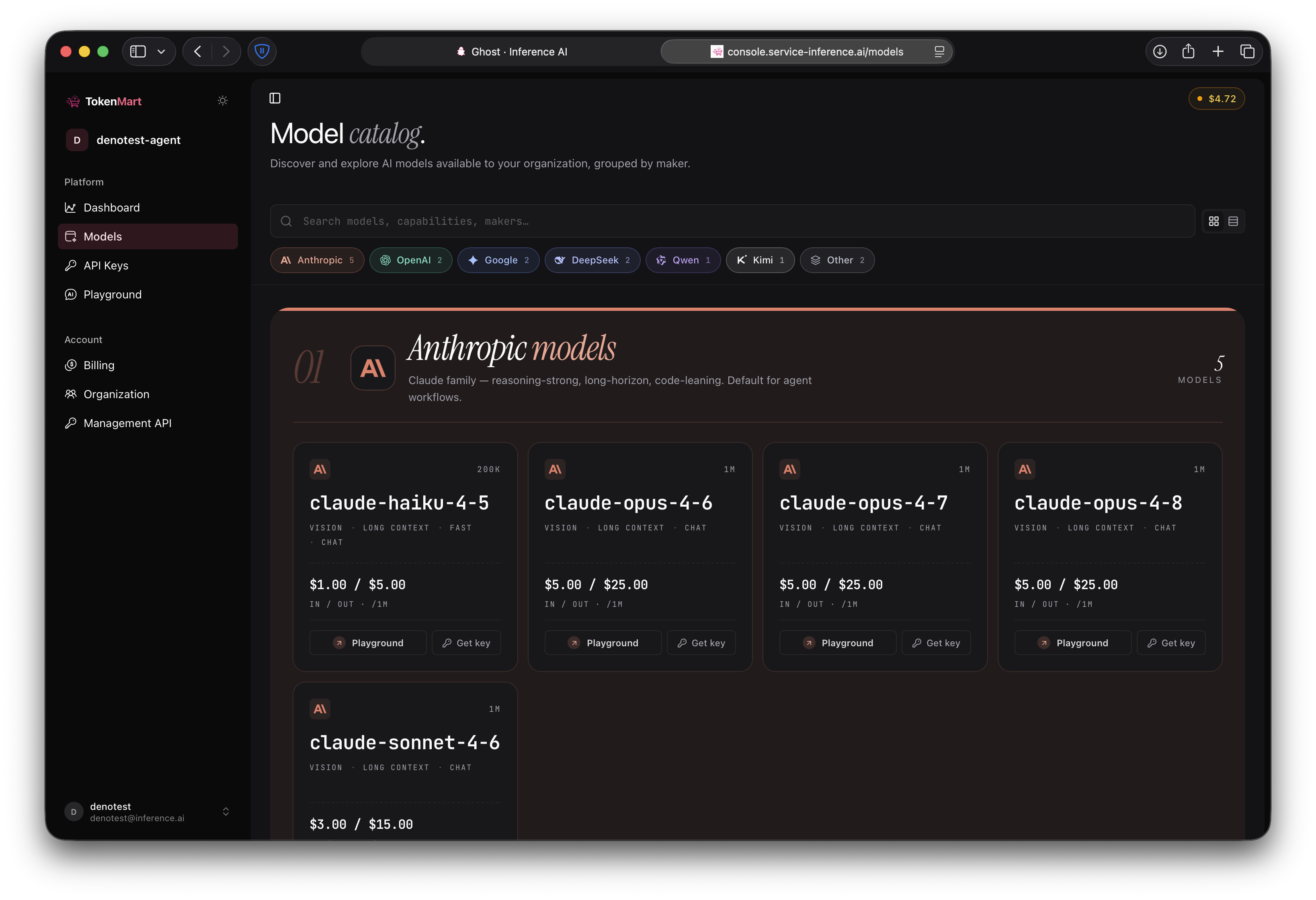
Create and manage keys
Open API Keys → Create Key. Each key can carry its own budget, spend limit, and allowed models. Revoke kills a key immediately.
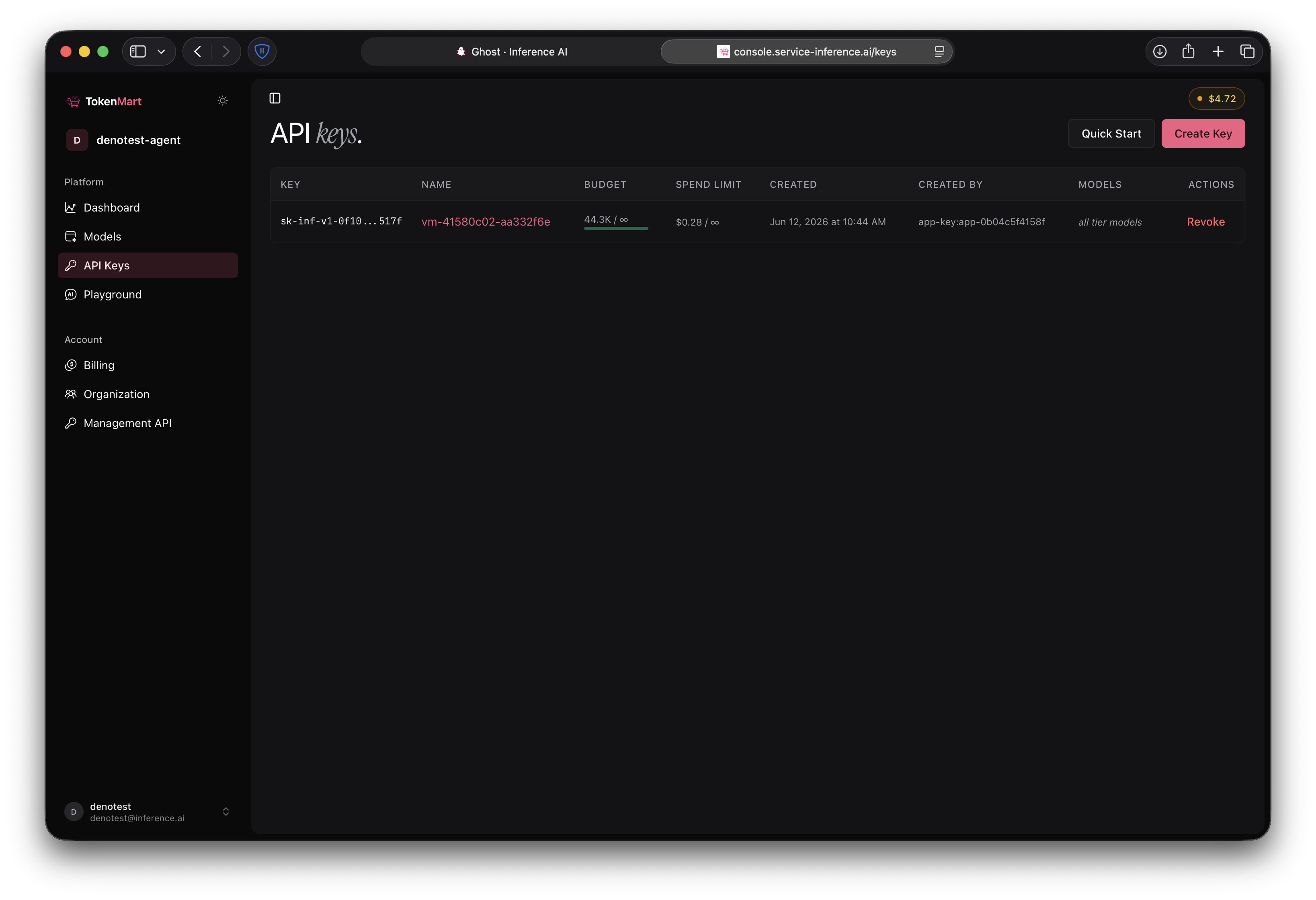
Credits, coupons, and auto top-up
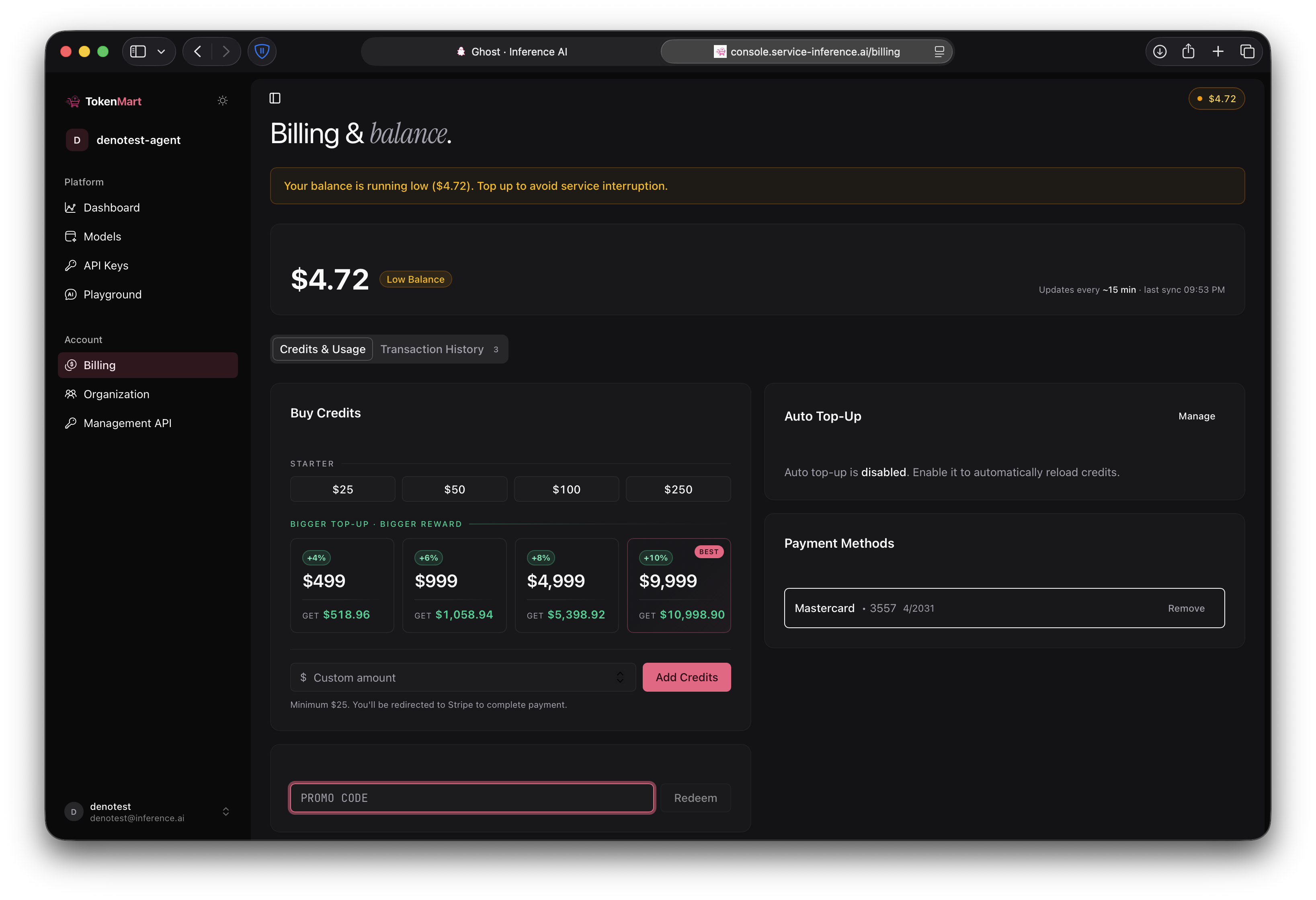
Open Billing:
- Buy Credits — pick a preset or enter a custom amount (minimum $25); checkout runs through Stripe.
- PROMO CODE — enter a coupon code and click Redeem to add credit.
- Auto Top-Up — click Manage to automatically reload credits when your balance runs low.